


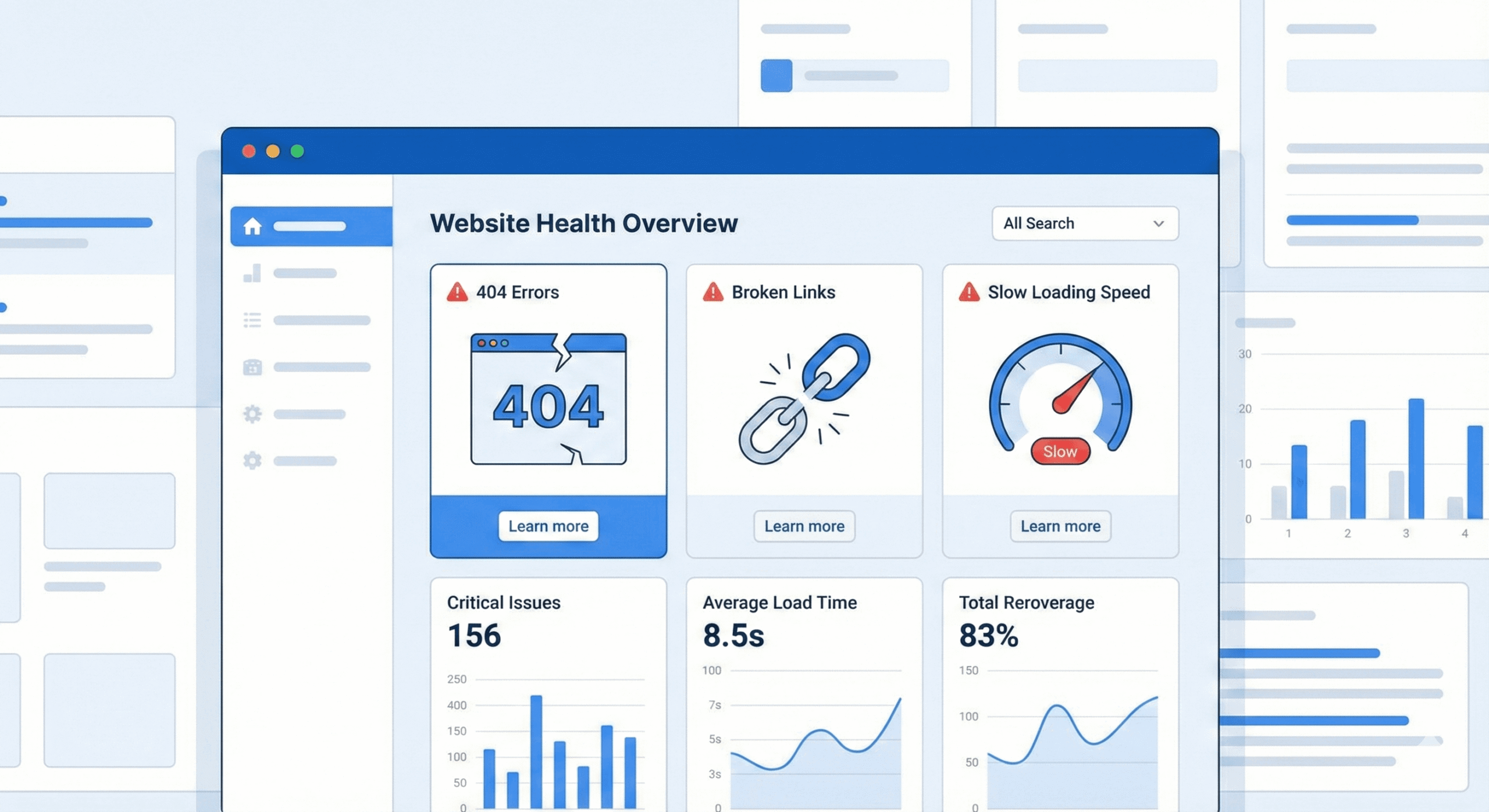
Introduction of Technical SEO Guide
Think about spending hours creating wonderful content and beautiful images, only to discover that your site isn’t ranking — not because your content is bad, but because your technical SEO foundation is faulty. Missing pages, broken links, and painfully slow loading times silently hurt your SEO performance.
Fixing such technical SEO problems such as 404 error, broken links and slow pages can significantly increase your exposure, credibility and crawlability. This stepwise tutorial will assist you to diagnose and resolve these problems in order to make your site easier to use and easier to crawl, to make your work actually worthwhile.
Why Technical SEO Issues Matter
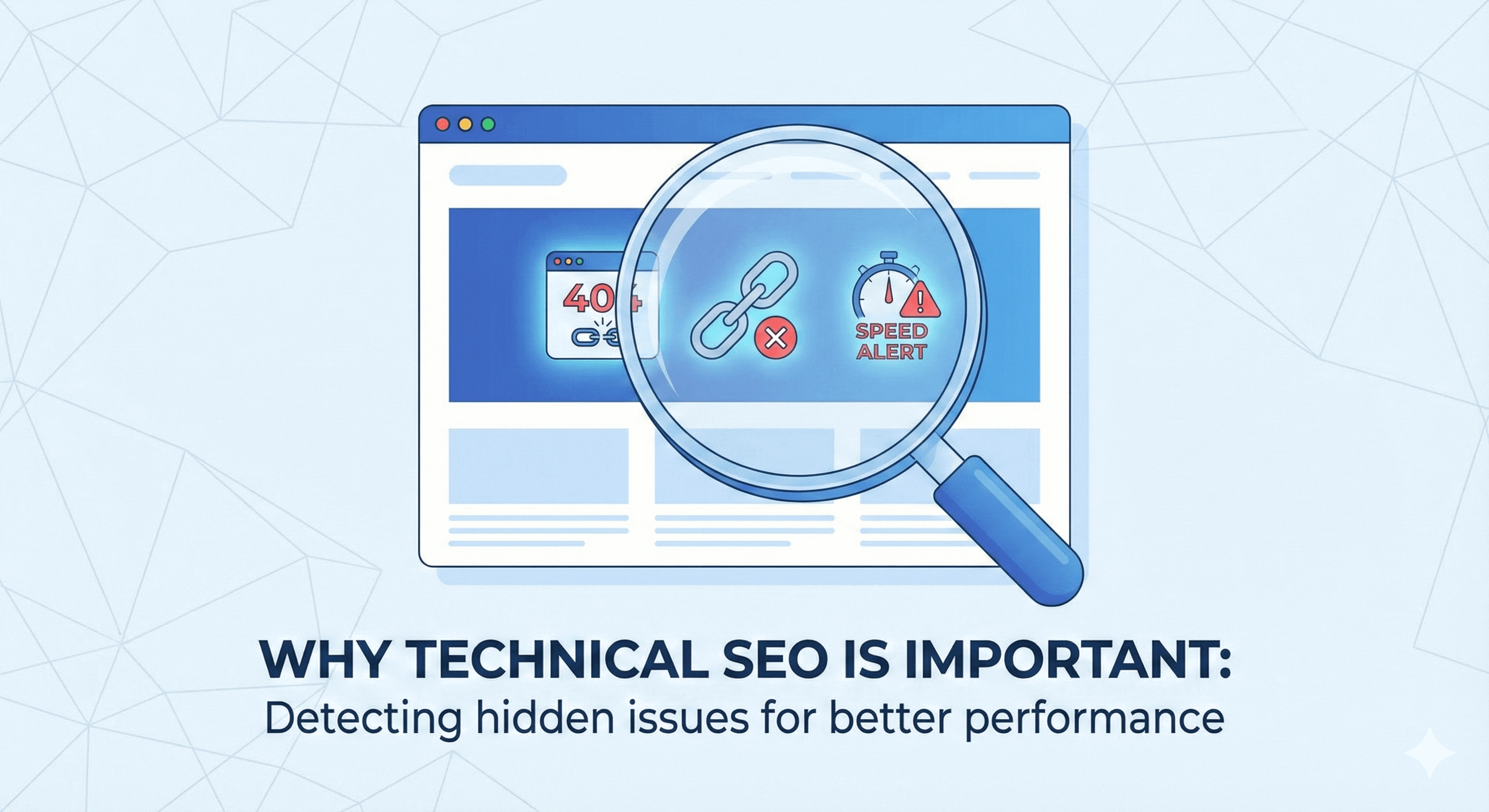
404s and Broken Links
A 404 error means a page couldn’t be found. Broken links are hyperlinks that point to pages that no longer exist or have been moved. Users become frustrated when they click a link and land on a dead end. When search engine bots crawl your site and find many errors, it signals poor maintenance. As one guide explains:
A high number of broken links can indicate poor site maintenance to search engines. This hurts you in two ways: users bounce, and search engines may reduce your indexing or rankings. For this, SEO and brand trust matter a lot to reduce the users bounce rate and also search engines might reduce your indexing / rankings.
Slow Pages
The speed of the page is no longer an optional, it is a ranking factor and influences your conversions and user trust. Slow loading times lead to poor user experience, increased bounce rates, reduced engagement, and reduced bot crawling.
In simple terms: a slow site hurts both user satisfaction and your search visibility.
Combined Effect
Having broken links, many 404s, and slow pages sends a clear message: This site isn’t well-maintained. Search engines may slow down crawling, index fewer pages and rank your site lower. According to a resource listing “15 common technical SEO issues”, broken links and slow page speed are both high-priority items.
They are good to fix and thus crawling, indexing, user experience and, hopefully, your conversions.
Step-by-Step: Fixing 404s & Broken Links
1. Audit your site
- Crawl your site and put down internal/external links that use Screaming Frog SEO Spider (free under 500 URLs) returning 404 or other 4xx responses.
- Go to Google Search console and go to coverage / crawl errors to view the URLs that Google attempted to fetch but had errors.
- Export the list URL, linked-from, anchor text, error code.
2. Categorise the errors
- Pages that ought to be: Content had been deleted by mistake.
- Pages shifted/ renamed: Amended URL and forgot to redirect.
- Deliberately deleted pages, although linked to (internal or external).
- External dead links: these are links off your site which become dead.
3. Fix them
- Should page exist: Recreate the page or in case merged, do a 301 redirect of the old URL to the new URL.
- When page moved/renamed: Old URL will continue to be live so as to redirect to new URL (301) and change internal links.
- When the page is removed deliberately and not replaced: There is no harm in letting the page 404, however, it must not be linked to other pages, and you may make a custom 404 page with suggestive navigation.
- External broken links (outbound or backlinks): You can update or remove external links that are outbound (you need to be doing it); and you can also seek to have the links that are inbound updated or redirected.
4. Prevent recurring issues
- Have a regular URL format, do not change names too often.
- In the process of page deletion, develop a redirect strategy.
- When updating the contents of your web site, verify broken links.
- Arrange frequent site-checks (they should be quarterly or monthly on larger sites).
5. Monitor & report
- Check the number of broken links monthly using Search engine and your crawler tool.
- Monitor such metrics as the amount of 404s, pages with errors, amount of crawl budget.
- Report enhancements: Less linking errors, better internal navigation, less frustration by the user.
Step-by-Step: Fixing Slow Pages
1. Measure your speed
- Use Google PageSpeed Insights to check individual URLs for mobile and desktop.
- Use data from your own real user monitoring (RUM) if available.
- Identify metrics: Time to First Byte (TTFB), Largest Contentful Paint (LCP), Cumulative Layout Shift (CLS).
2. Identify speed bottlenecks
- Large/unoptimized images.
- Unminified CSS/JS, render-blocking scripts.
- Server response is slow or overloaded.
- No caching, no CDN, heavy third-party scripts.
3. Apply performance improvements
- Reduce and resize images, reside in modern formats (e.g. WebP/AVIF).
- Minify CSS, JS. defer non critical JS. inline critical CSS.
- Basing on browser caching, taking advantage of CDN to decrease latency.
- Migrate hosting in case of poor resources in a server.
- Remove or defer heavy third-party scripts (trackers, plugins).
- Ensure the above-the-fold content should be loaded very fast; hero images, fonts.
4. Focus on Core Web Vitals
Google uses Core Web Vitals as part of page experience signals: LCP, CLS, Interaction to Next Paint (INP) (which is replacing FID). Aim for LCP under ~2.5s, minimal layout shifts, responsive interactivity.
5. Track results & iterate
- After changes, re-audit.
- Track the bouncing rate, number of page views, and activity of a user. All these are affected by poor speed.
- Performance is something that should become a routine of your maintenance cycle.
Putting It All Together: Technical SEO Workflow
- Audit your site for 404s/ broken links + speed issues.
- Prioritise: pages with high traffic / conversion generating pages are first fixed.
- Fix broken links and redirects. At the same time maximize the speed of the page.
- Optimize your internal linking, sitemap, robots.txt, canonical tags which will effectively crawl your bots.
- Monitor continuously: Automation of notifications of new 404s & new slow pages.
- Report & improve: Show decreased 404 count, improved speed metrics, better UX signals, better crawl stats.
When you do this, you’re building a site that is not only user-friendly, but also crawler-friendly. That dual focus is key for lasting SEO.
Conclusion
Technical SEO is the foundation that holds together your content, links, user experience and crawl performance. Neglecting such problems as the 404s, broken links, slow loads is similar to the creation of a beautiful house with a loose foundation.
Take action today:
- Make a crawl of your site and enlist all your 404s/broken links.
- Look at the top pages of your landing pages.
- Check your top landing pages for page-speed issues.
- Prioritise fixes for high-impact pages (traffic, conversions).
- Set up a process to catch new technical issues early.
If you need a free audit checklist or a step-by-step worksheet to fix these issues, I’d be happy to share one. Let me know, and I’ll send it right over.
Want help implementing these fixes? Reach out for a technical SEO review—you’ll get a prioritized list of your site’s broken links, 404 issues and slow-loading pages, with actionable fixes ready to go.
Frequently Asked Questions (FAQs)
Do a few 404 errors really hurt SEO?
Not always- Google has indicated that not all 404s are bad. When you have a good number of 404s, on pages that are important (internal links, back links), then it is an indication of neglect and negatively impacts on user experience and crawling efficiency.
Should I always redirect a deleted page?
If the page had value (traffic, backlinks), yes — redirect it to the most relevant alternative (301). If the page was low-value and you want it gone, you can let it 404 but ensure no internal links remain pointing to it.
What is “broken link” exactly?
Any hyperlink (internal or external) that links to a forbidden URL (404, 410 or any other broken state) or that links to a page that does not fulfill the purpose of the user.
How fast should my pages be?
Aim for a Largest Contentful Paint (LCP) under ~2.5 seconds, minimal layout shifts, and fast first-interaction times. But practically — if your pages load in under 3 seconds on mobile with a stable layout, you’re in a good zone.
How often should I audit for technical issues?
At minimum quarterly for most sites. For large sites, e-commerce stores, or sites that change frequently — monthly or even weekly automated checks. Broken links and speed regressions happen all the time.